
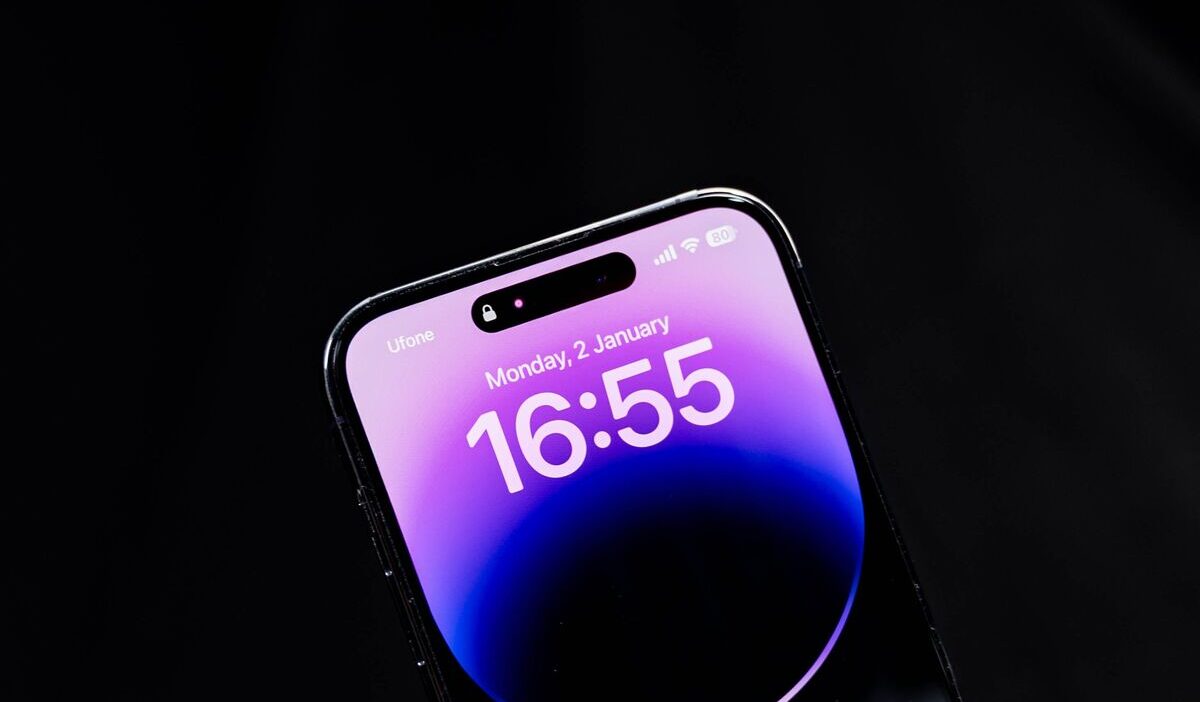
A battery that drains faster than usual, pop-up ads appearing constantly while browsing, or a phone that feels warm even during light use, these signs make many people jump straight to the conclusion that a virus is behind it.
Learning how to get rid of virus on iPhone often starts from the wrong assumption, since most people apply Windows-style virus-removal thinking to an operating system built on a completely different architecture. This article works backward from that architecture to identify the real cause before recommending any fix.
1. Can an iPhone Actually Get Viruses?
Technically speaking, this is almost impossible on an iPhone that hasn’t been jailbroken.
iOS is built on a sandbox architecture, meaning every app runs in its own isolated space and can’t access or spread into other apps or the system itself.
That doesn’t mean an iPhone is completely risk-free. The real threats on iPhone usually aren’t “viruses” in the classic sense at all. But something else entirely, a malicious profile, a deceptive app, or a browser that’s been hijacked into displaying constant ads.

2. What Causes iPhone Security Issues?
Before breaking down each cause individually, it helps to know that the two most common sources of “virus-like” symptoms work in entirely different ways, one operates at the system level, while the other is limited to the browser.
Malicious Configuration Profiles or Fake VPNs
Some apps or websites trick users into installing a configuration profile or a fake VPN, often disguised as a way to speed up the network or block ads. Once installed, a profile like this can:
- Reroute internet traffic through a third-party server.
- Change the browser’s homepage or inject ads into every website visited.
- Track browsing activity without the user’s knowledge.
Adware and Browser Pop-Ups
This version is far more common and stays confined to Safari or whichever browser is in use, without touching the rest of the system.
Those fake “your device is infected” warning pop-ups almost always fall into this category, their only real goal is to scare users into tapping a link or downloading an unnecessary app.
>>> Read more: How Long Do iPhones Last? What to Expect From Performance, Battery, and Software Support
3. How to Get Rid of Virus on iPhone Step-by-Step?
For most cases, how to get rid of virus on iPhone doesn’t require any dedicated removal tool, just following these steps in the right order:
- Go to Settings > General > VPN & Device Management and delete any unfamiliar profile that wasn’t installed by you or a trusted organization.
- Clear browsing history and website data under Settings > Safari > Clear History and Website Data to strip out adware sitting at the browser level.
- Remove any apps installed around the time the symptoms first appeared, especially ones from outside the App Store.
- Update iOS to the latest version, since many security patches exist specifically to close the exact loopholes causing these issues.
- If none of the above resolves it, particularly on a jailbroken device, an Erase All Content and Settings reset is the most thorough option, just back up your data first.
4. How to Prevent Future iPhone Security Threats?
Prevention goes a lot further than cleanup after the fact, and most of the risk comes down to a handful of habits that are easy to adjust:
- Only install apps from the App Store, no matter how tempting an outside source looks.
- Stay cautious with unfamiliar links sent through text or iMessage, especially ones asking for a login or a file download.
- Avoid installing a configuration profile or VPN from an unverified source, even when it’s advertised as free.
- Turn on Lockdown Mode under Settings > Privacy & Security if you fall into a category more likely to be targeted by sophisticated spyware.
>>> Read more: How Can I Get a Free iPhone? Real Options That May Work in 2026
5. FAQs
While iPhones rarely catch traditional viruses due to Apple’s sandboxing, malicious scripts and calendar hacks still happen. If you need to know how to get rid of virus on iPhone scams safely, follow these quick fixes.
Do I need antivirus software for iPhone?
Not in most cases. Because of iOS’s sandbox architecture, traditional antivirus software can’t scan as deeply into the system as it would on Windows, and most “antivirus” apps for iPhone on the App Store only offer basic cleanup features at best.
Can a virus spread through iMessage or FaceTime?
Not through the traditional self-replicating mechanism, but a malicious link sent through either app can still lead to a phishing page or trigger a malicious profile download if the user taps it and follows through.
Will resetting my iPhone remove everything, including photos?
Yes. Erase All Content and Settings wipes all data on the device, including photos, messages, and apps. Back everything up beforehand, but avoid restoring from an old backup if there’s any suspicion that the malicious software was captured in it too.
Is jailbreaking the only way to get a virus?
It’s the biggest risk factor, since jailbreaking breaks the very sandbox mechanism that keeps iOS secure, but it isn’t the only path, installing a malicious profile or granting excessive permissions to a deceptive app can create similar problems even on a device that’s never been jailbroken.
6. Final Thoughts
Most of what gets called a “virus” on iPhone is really a malicious configuration profile or browser-level adware, not a virus spreading through the system in the traditional sense.
That’s why the right approach to how to get rid of virus on iPhone isn’t downloading antivirus software, it’s checking the right places: profiles, the browser, and any recently installed app, then handling each one according to what it actually is.